Fresh pizza with basil and tomatoes
WebsiteMenu updated
DoorDashMenu updated
Uber EatsMenu updated
POSMenu updated
Restaurant table with plates and printed menu
Backup ZIPImages + data
Clean exportsReady to share
Restaurant bar counter with menu preparation workspace
From DoorDash Existing menu
To Toast POS Migration file

Works with your favorite platforms

Clover logo Grubhub logo Square logo DoorDash logo Toast logo Uber Eats logo Menufy logo ChowNow logo Popmenu logo Slice logo Lavu logo Maitre'D logo SpotOn logo ForknTable logo Otter logo Chowly logo Owner.com logo

Save Time

Import menus in seconds, not hours

Reduce Errors

Eliminate manual entry and costly mistakes

Sync Everywhere

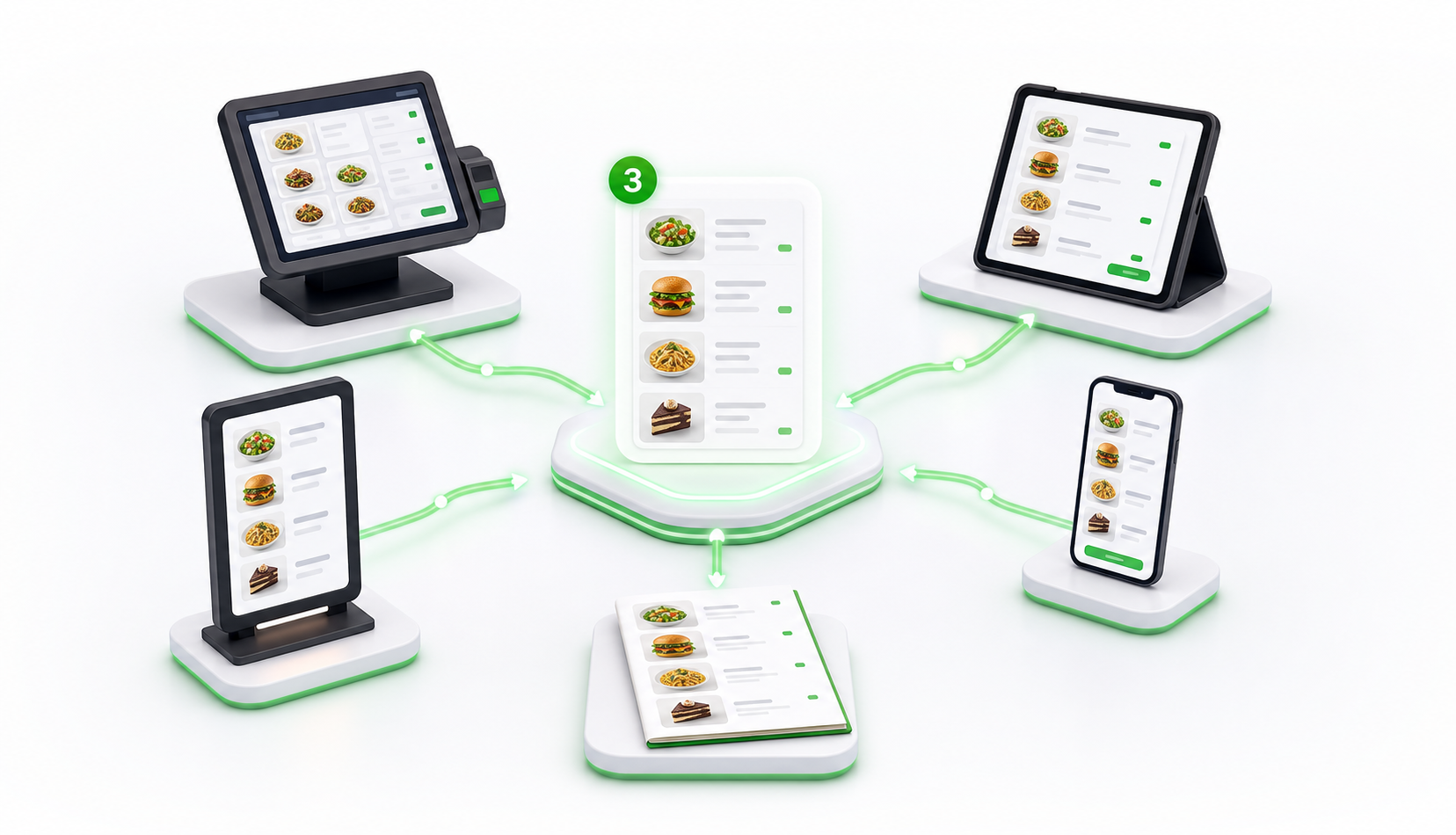
Keep your menu updated across all platforms

Grow Revenue

Focus on your customers while we handle the rest

Menu Tool

Extract Any Menu in Seconds

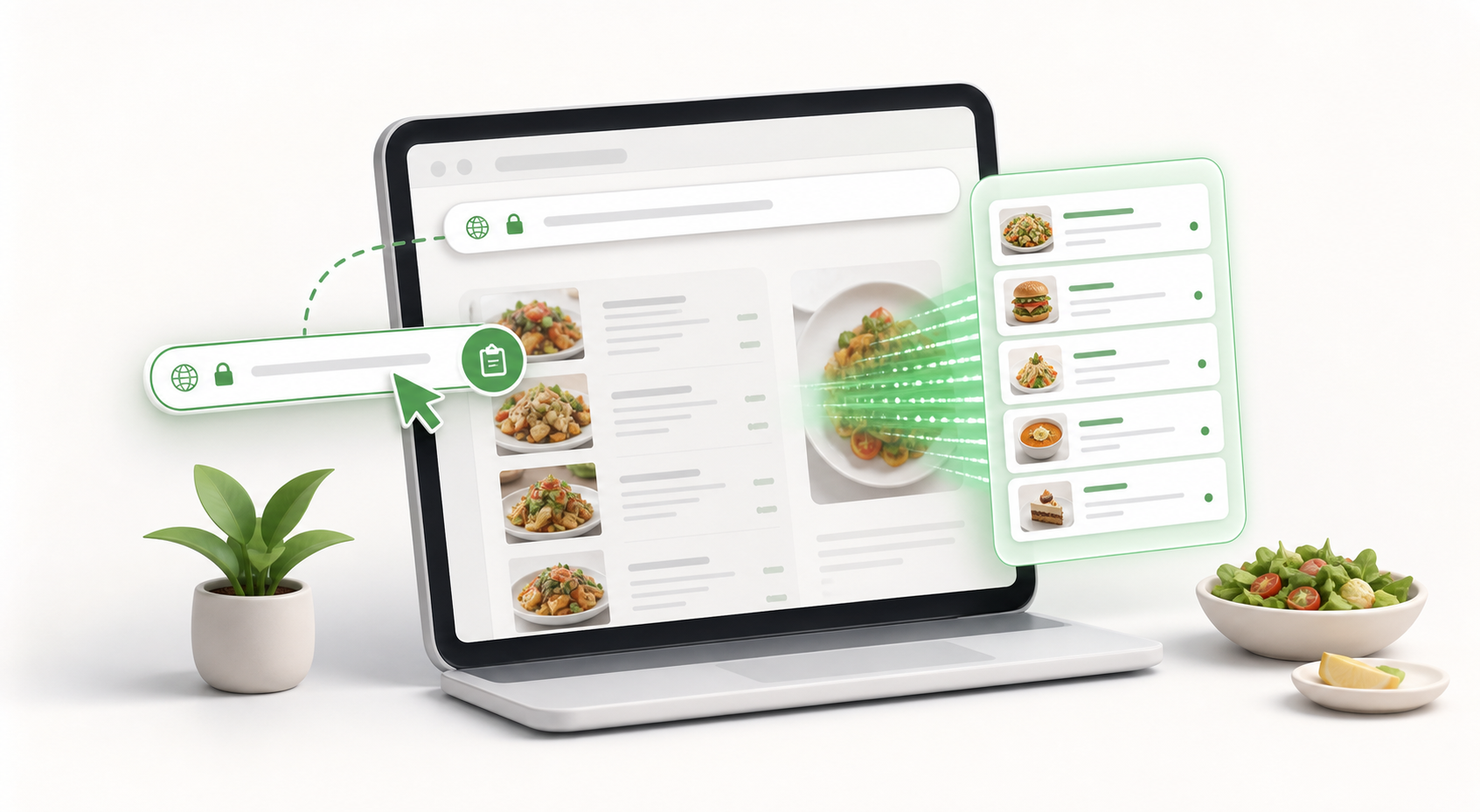
Paste a URL, get a clean PDF, JSON, CSV, or text of the menu. No signup required.

Fast & Accurate
No Manual Work
PDF Ready
Open Menu Extractor →

Works with GloriaFood, FoodBooking, Toast, Square Online, Menufy, ChowNow, DoorDash, Uber Eats, and more.

Simple as 1-2-3

How It Works

1

Paste Your Menu URL

Start with a public restaurant menu link from your website, online ordering widget, delivery app, or menu platform. SyncMenus detects the source and prepares it for extraction.

2

Review Clean Menu Data

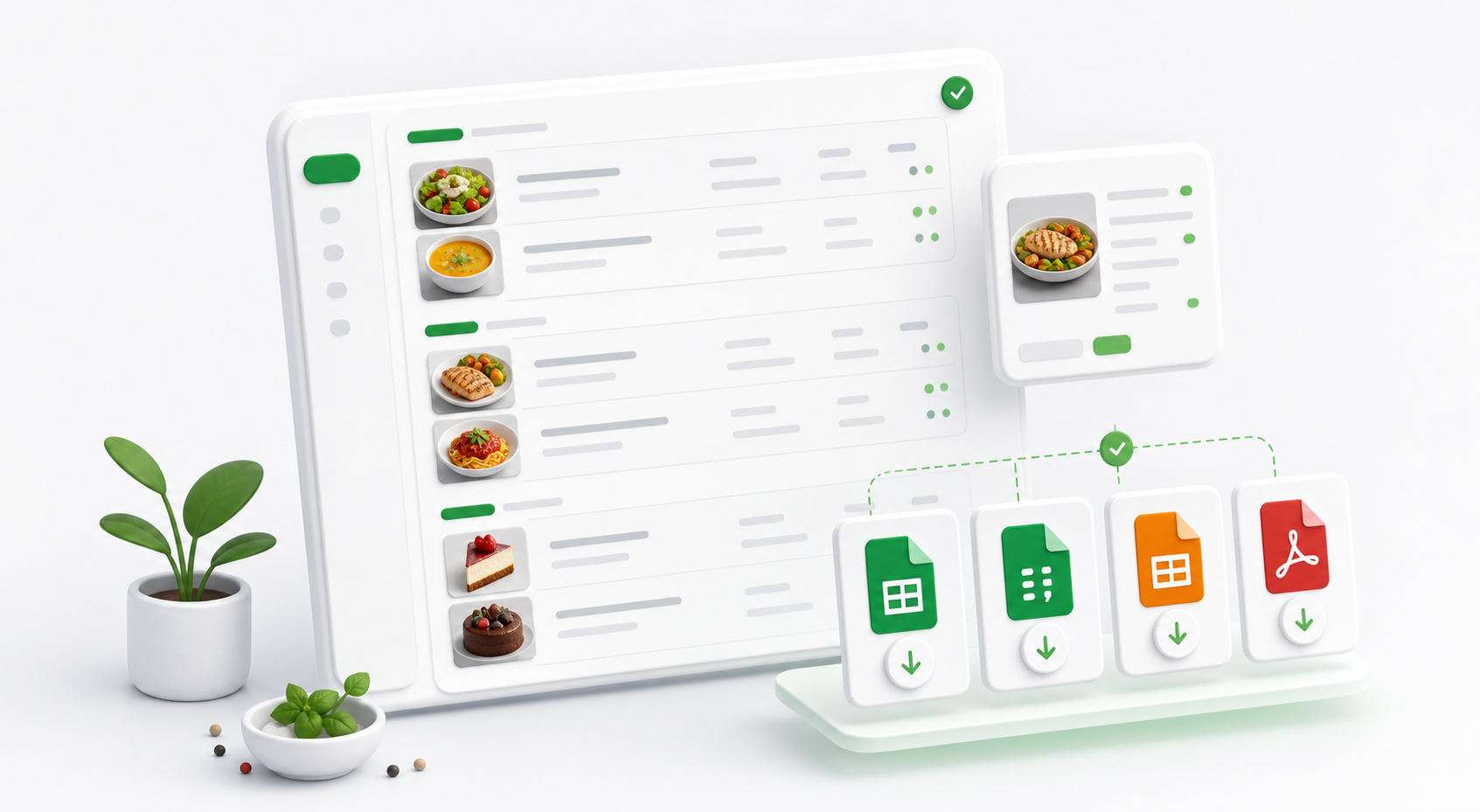
We rebuild categories, items, prices, descriptions, modifiers, images, restaurant info, and ordering options into a clean preview you can inspect before downloading.

3

Download or Migrate

Download export-ready JSON, CSV, PDF, text, and ZIP files, or move the extracted menu into a migration workflow for a POS, website, delivery app, or ordering platform.

Flexible Output

Export Your Menu

Choose the format that works best for your workflow.

JSON

Structured data for developers and integrations.

CSV

Spreadsheet-friendly for easy editing and sharing.

Printable Menu

Clean text format for printing or Canva design.

Pricing

Simple, Transparent Pricing

Choose a one-time menu extraction, a guided restaurant menu migration, or join the waitlist for ongoing menu sync across POS systems, online ordering platforms, delivery apps, websites, video menus, and print menu designs.

Quick Extract

Extract Your Menu

$1.99 one-time

Extract a public restaurant menu into clean menu data your team can review, edit, archive, or send to another provider.

  • Menu categories, items, prices, descriptions
  • Modifiers, sizes, add-ons, and images
  • JSON, CSV, text, PDF, and ZIP exports
Extract Your Menu Now
Most Popular

Migrate Your Menu

$4.99 one-time

Move an existing restaurant menu into a new POS, website, online ordering system, delivery app, or menu platform.

  • Source menu extraction and cleanup
  • Destination-ready import formatting
  • Categories, items, modifiers, and images
Migrate Your Menu Now
Coming Soon

Sync Your Menus

Coming Soon

Keep menu changes connected after launch so product edits, pricing updates, and availability changes stay aligned everywhere customers see your menu.

  • Sync products, prices, and availability
  • POS, websites, delivery apps, and ordering menus
  • Video menus, print designs, and display menus
SyncMenus guarantee

If extraction, migration, or sync hits an issue, we will work with you until it is handled. If we cannot make it work for your menu, we will refund your payment.

FAQ

Frequently Asked Questions

How do I extract a restaurant menu from a URL?

Paste a public restaurant menu link into SyncMenus and start the extractor. The system detects supported menu platforms and rebuilds categories, items, prices, descriptions, modifiers, restaurant info, and images where available.

Which menu platforms does SyncMenus support?

SyncMenus works with public menu pages from GloriaFood, FoodBooking, Toast, Square Online, Menufy, BeyondMenu, Slice, Shopify, ChowNow, BentoBox, Popmenu, Olo, Flipdish, Uber Eats, DoorDash, Grubhub, Seamless, Wix, WordPress, Squarespace, Webflow, and more. Systems that require private admin access may need manual export guidance.

Can I download my extracted menu?

Yes. The extraction package includes export-ready menu data such as JSON, CSV, plain text, PDF, ZIP, menu images, and restaurant information when the source provides it.

Can I migrate a menu into another platform?

Yes. After extraction, you can send the cleaned menu data into the migration flow and prepare it for a new POS, online ordering system, delivery app, website, or restaurant menu platform.

Is my menu data stored?

Extractions run on demand. Create an account when you want to keep menu history, reuse previous extractions, or continue a migration later.

Extract Your Existing Menu and Move to a Better System

Turn your current restaurant menu into clean, export-ready data for POS systems, online ordering, delivery apps, websites, and menu migration projects.

Save Time
Reduce Errors
Increase Sales