Point A to point B

Move a menu from one platform into another.

Start with a source like Grubhub, DoorDash, Uber Eats, GloriaFood, or a website menu, then prepare it for a destination like Clover, Toast, Square, Shopify POS, or another restaurant system.
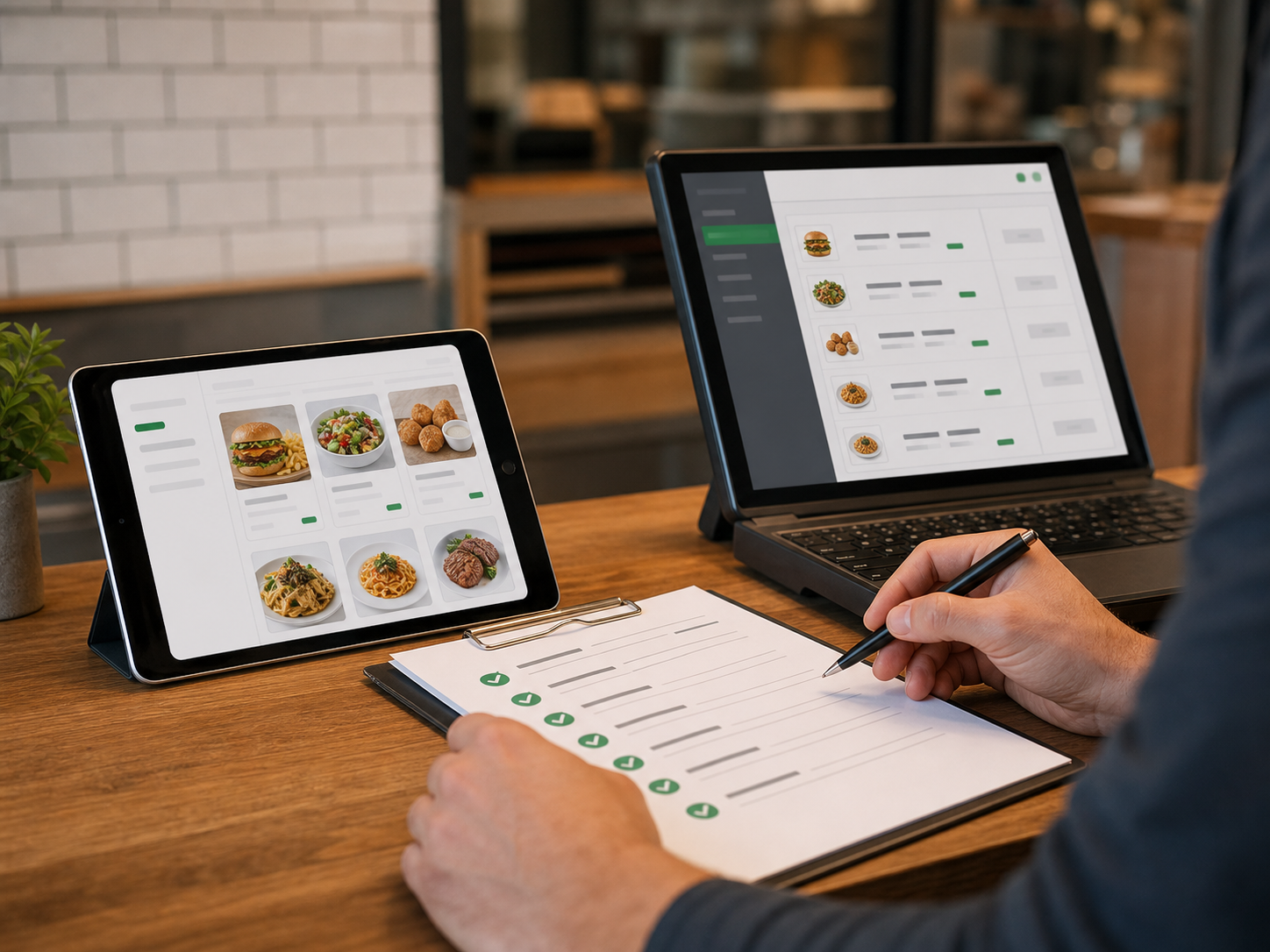
Restaurant manager reviewing menu data across a laptop, tablet, and printed menu
Source menu in. Destination-ready menu out. Turn delivery app, ordering, or website menus into structured files for a new POS or platform.
1. Platforms 2. Setup 3. Extract 4. Export
Step 1

Select your migration path

Choose the source platform you are moving from and the destination system you are moving to.

Grubhub Clover POS DoorDash Toast POS GloriaFood Square POS

Example: Grubhub, DoorDash, Uber Eats, GloriaFood, or your current website menu.

Example: Clover, Toast, Square, Shopify POS, WordPress, or a connector platform.